I am a student of Xavier Institute of Communications and I undertook a course on Microsoft Excel by Faiyaz Khairaz sir and it was super interactive and fun! The content is very relevant and the teaching style made it easy to comprehend. Would recommend to anyone looking to grab similar skills!
About Mechamind
We are a Registered Singapore Based Company, offering LIVE Virtual Training in Advanced Excel to Companies in Singapore.
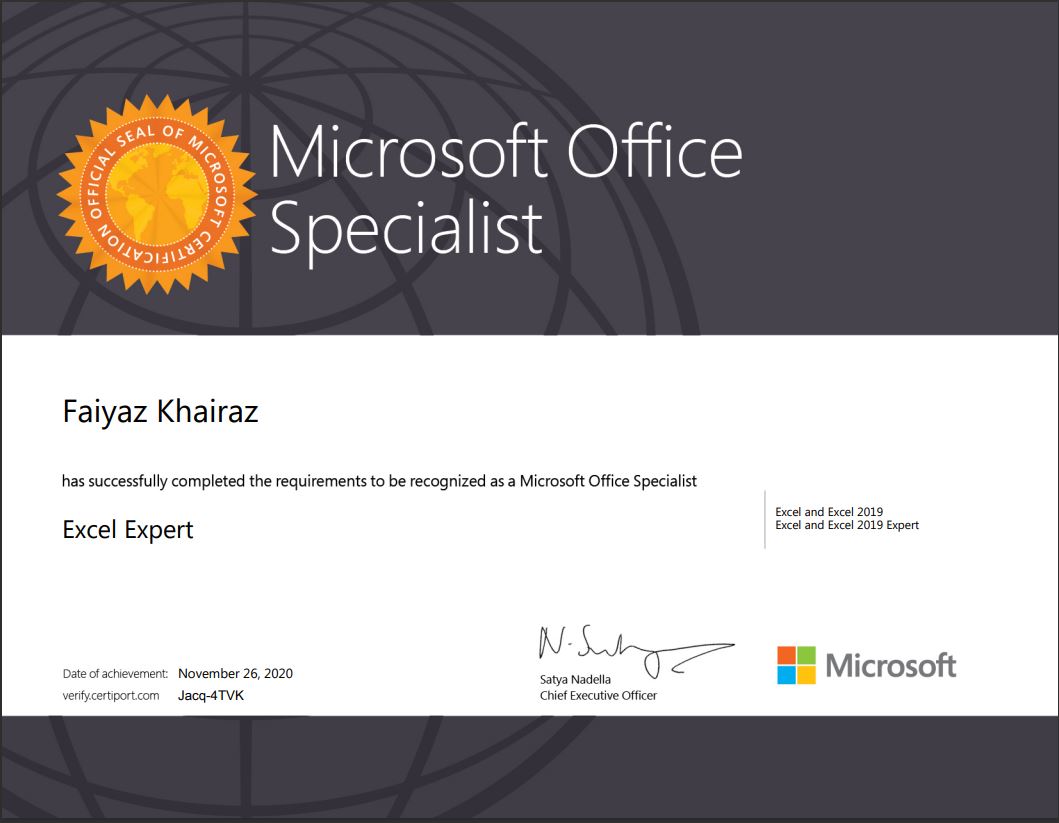
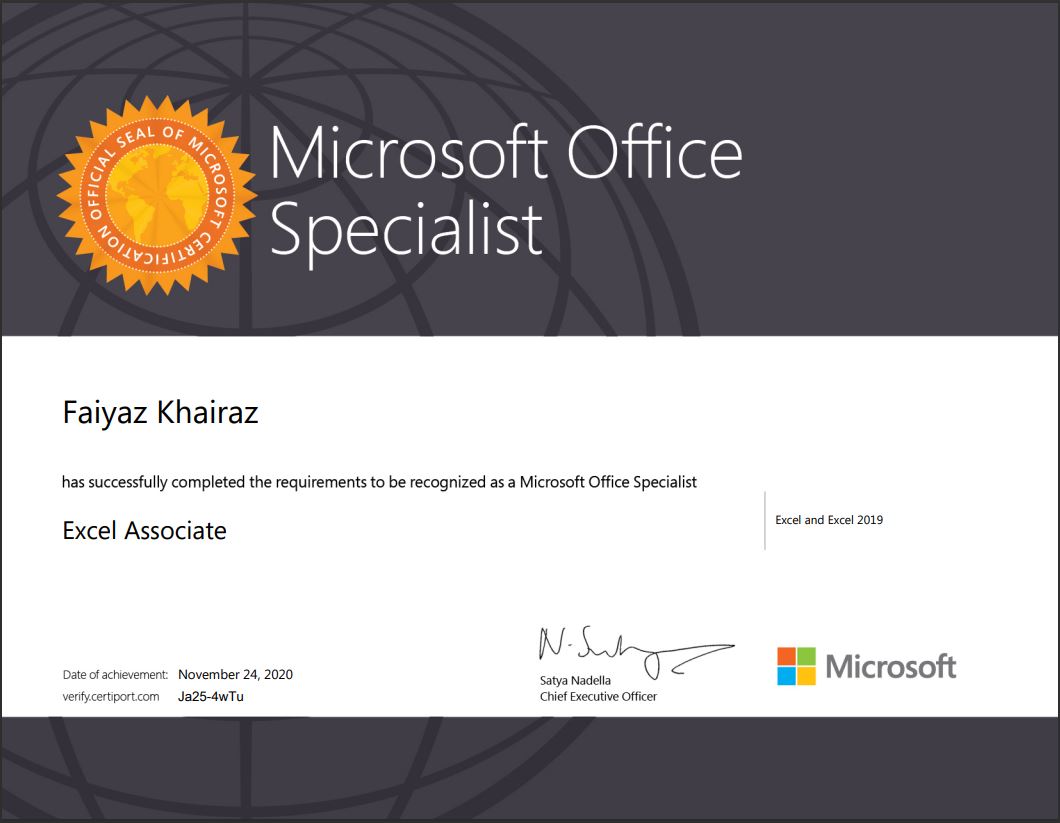
Our Trainers are Microsoft Certified with 17+ Years of Training Experience in Excel & Microsoft Applications.
All our training programs are conducted using Live Case Studies & Examples from real time corporate scenarios.
We urge the participants to apply what they have learnt to their Data, to get maximum benefit from the training program.
Microsoft Excel is an Application widely used across the globe, by employees at different levels of the corporate sector to analyse, organize and represent their data, in a concise and visually appealing manner.
Would you Like to Train Your TEAM & Empower them?
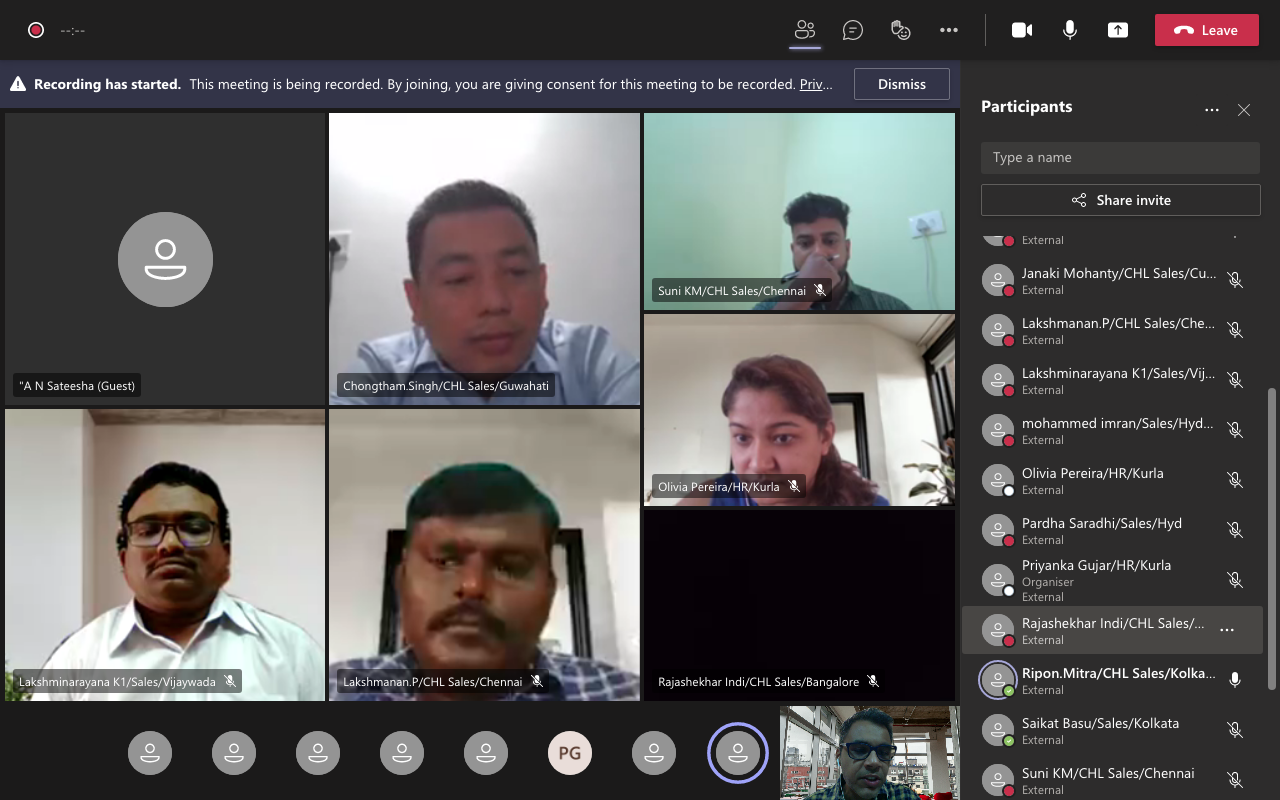
Our FREE ONLINE Demo Class, which can be scheduled at a time convenient to you, to give you a closer look at what the excel training program has to offer. This 90 Minutes Session would give your Team Members a Hand's on and practical experience of our training methodology, interactivity & participant engagement.
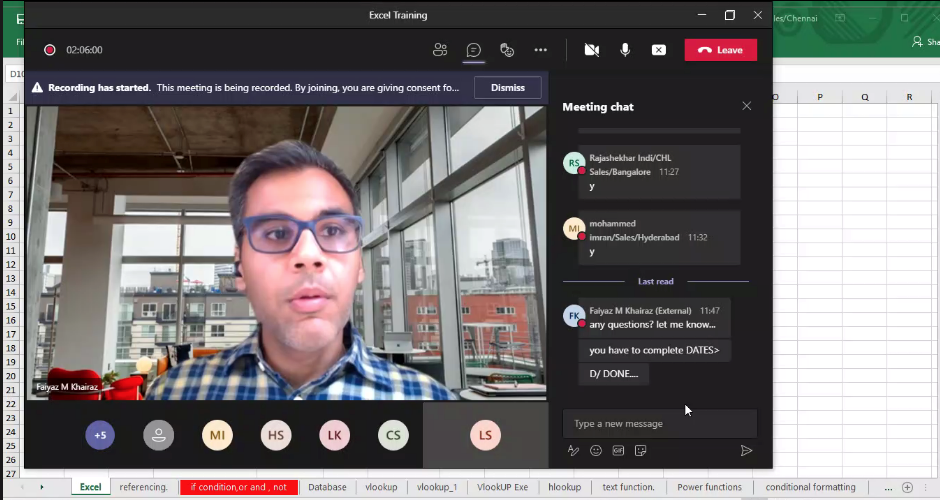
Looking for LIVE 1:1 Training Sessions ?
Why Join Groups, when you can learn as per your pace and at a time convenient to you.
A tailor made Microsoft Excel Program keeping in mind the requirements of the corporate sector which will empower you to get an edge above the rest.
Learn on your own DATA & practically apply what you have learnt in a STEP By STEP Manner.
Looking for LIVE 1:1 Training Sessions ?
Why Join Groups, when you can learn as per your pace and at a time convenient to you.
A tailor made Microsoft Excel Program keeping in mind the requirements of the corporate sector which will empower you to get an edge above the rest.
Learn on your own DATA & practically apply what you have learnt in a STEP By STEP Manner.
Excel Training in Singapore Objective
Microsoft Excel, Level 2 (Office 356, Office 2016)
Participants should be using Excel, and the common formula’s like Min, Max, Sum, Average, functions such as Sort & Filter. Having additional knowledge of VLOOKUP & Pivot Table’s would be an advantage.
Audience
Executives and managers who have already been using Microsoft Excel, but now feel the need for learning more powerful features and options of Excel, to manage their worksheet-related tasks more efficiently
Prerequisites
Participants attending this training should be familiar with the basic operations in Microsoft Excel, such as simple calculations, formatting and printing.
Day 1 - Excel Advanced Training Syllabus
Overview of the Basics
- Customizing common options in Excel
- Absolute and relative cells
- Protecting and un-protecting worksheets and cells
Working with Functions
- Writing conditional expressions (using IF, NESTED IF)
- Using logical functions (AND, OR, NOT, COMPOUND IF)
- Using lookup and reference functions (VLOOKUP, HLOOKUP, MATCH)
- INDEX, NESTED VLOOKUP, VLOOKUP WITH APPROX MATCH & EXACT MATCH)
Data Validations
- Specifying a list of valid values for a cell
- Specifying custom validations based on formula for a cell
- Specifying a valid range of values for a cell
Working with Templates
- Using templates for standardization of worksheets
Sorting and Filtering Data
- Sorting tables
- Using multiple-level sorting
- Using custom sorting Filtering data for selected view (AutoFilter)
- Using advanced filter options
Day 2 - Excel Advanced Training Syllabus
Working with Functions
- Using lookup and reference functions (VLOOKUP, HLOOKUP, MATCH)
- INDEX
- NESTED VLOOKUP
- VLOOKUP WITH APPROX MATCH & EXACT MATCH
Designing the structure of a template
- Creating subtotals
- Multiple-level subtotals
- Creating Pivot tables
- Formatting and customizing Pivot tables
- Using advanced options of Pivot tables
- Pivot charts
- Consolidating data from multiple sheets and files using Pivot tables
- Using external data sources
- Using data consolidation feature to consolidate data
More Functions
- Date and time functions
- Text functions
- Database functions
- CountA
- CountIF
- CountIFS
- SUMIF
- SUMIFS
- Dmax
- Dmin
- DAverage
- DSum
Macros
- Recording a Macro
- Assigning a macro to a button
- Relative & Absolute reference for a macro
Formatting
- Using auto formatting option for worksheets
- Using conditional formatting option for rows, columns and cells

Mr. Faiyaz Khairaz
( Microsoft Certified Trainer
Experience : 17+ years )
Hi, my name is Faiyaz M Khairaz. I'm a Microsoft Certified Trainer & (Power BI DA-100 Certified) with 17+ Years of Training Experience.
I have Conducted training for Corporates such as Deloitte, PwC, Kuoni. Trained over 83k participants till date
Talk To The Trainer
GET IN
TOUCH
TOUCH
- +65 8951 7001
- training@mechamind.sg
Enquire About Our Programs
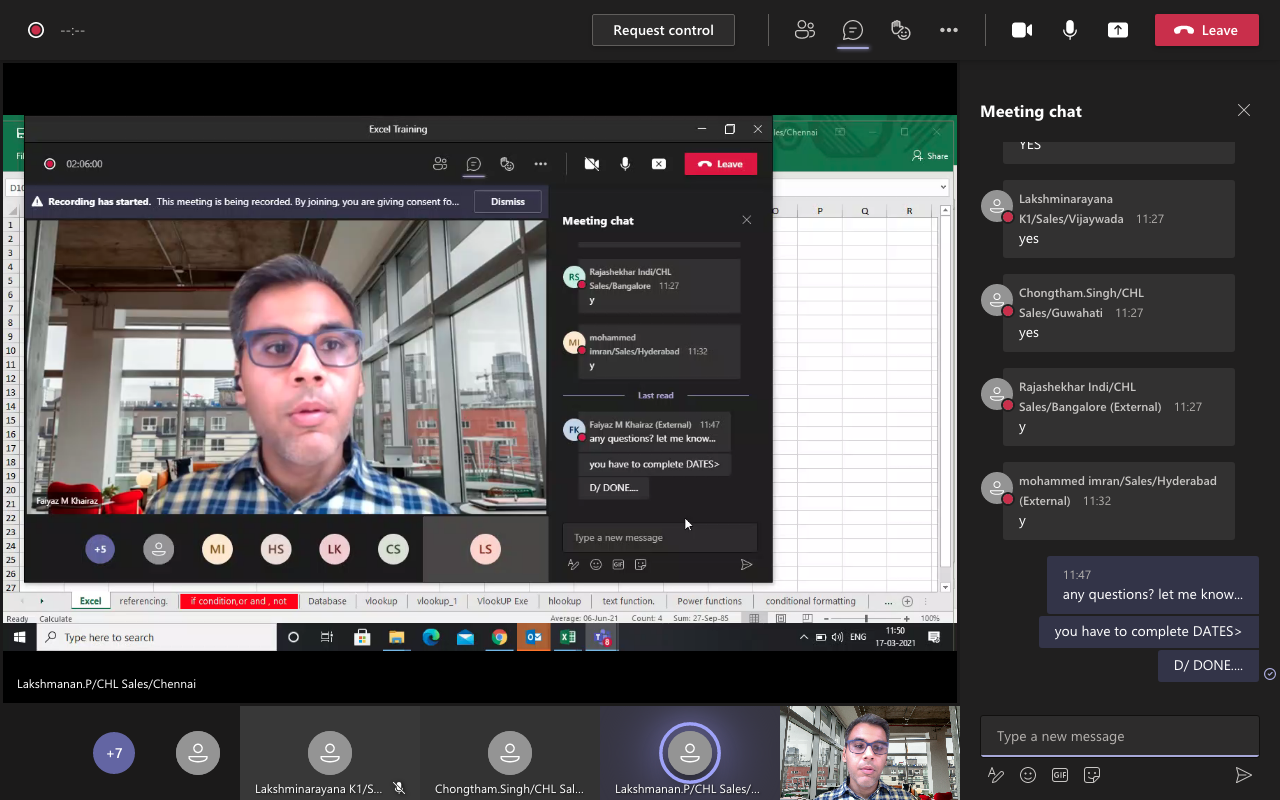
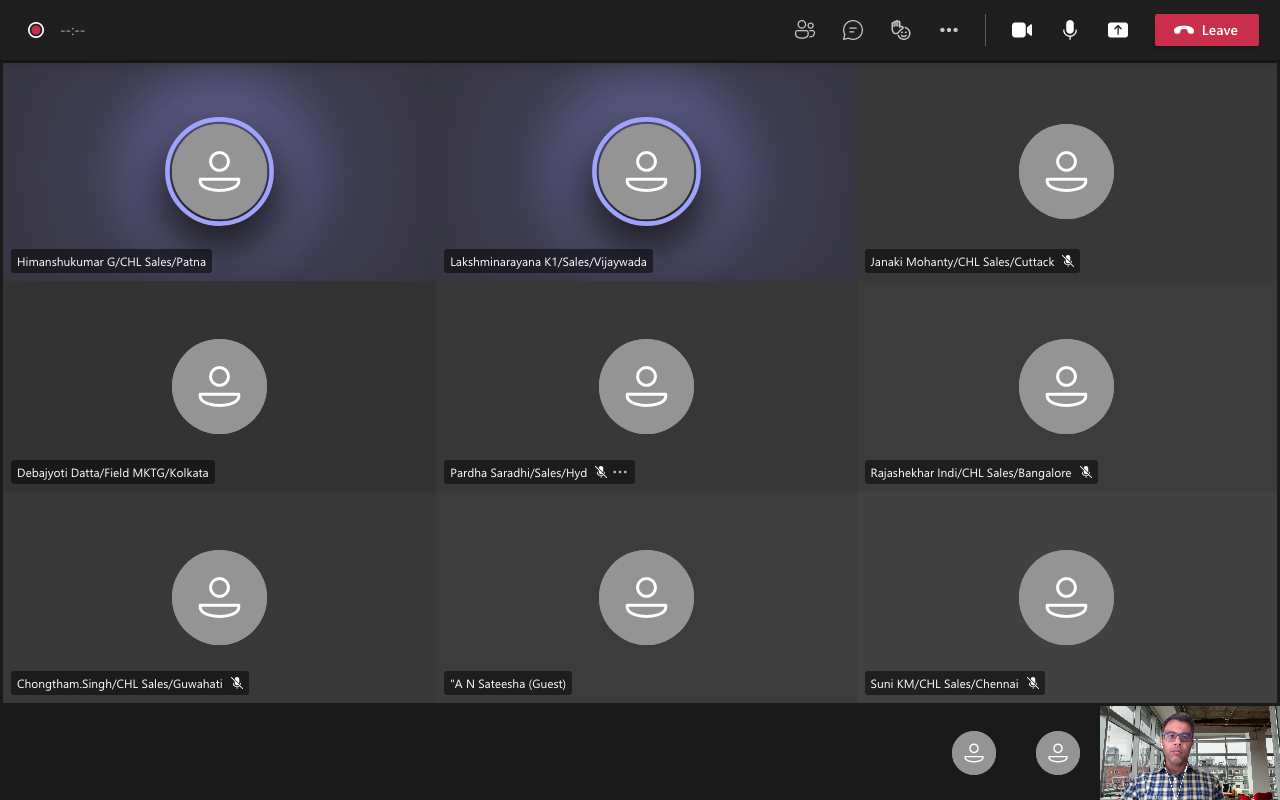
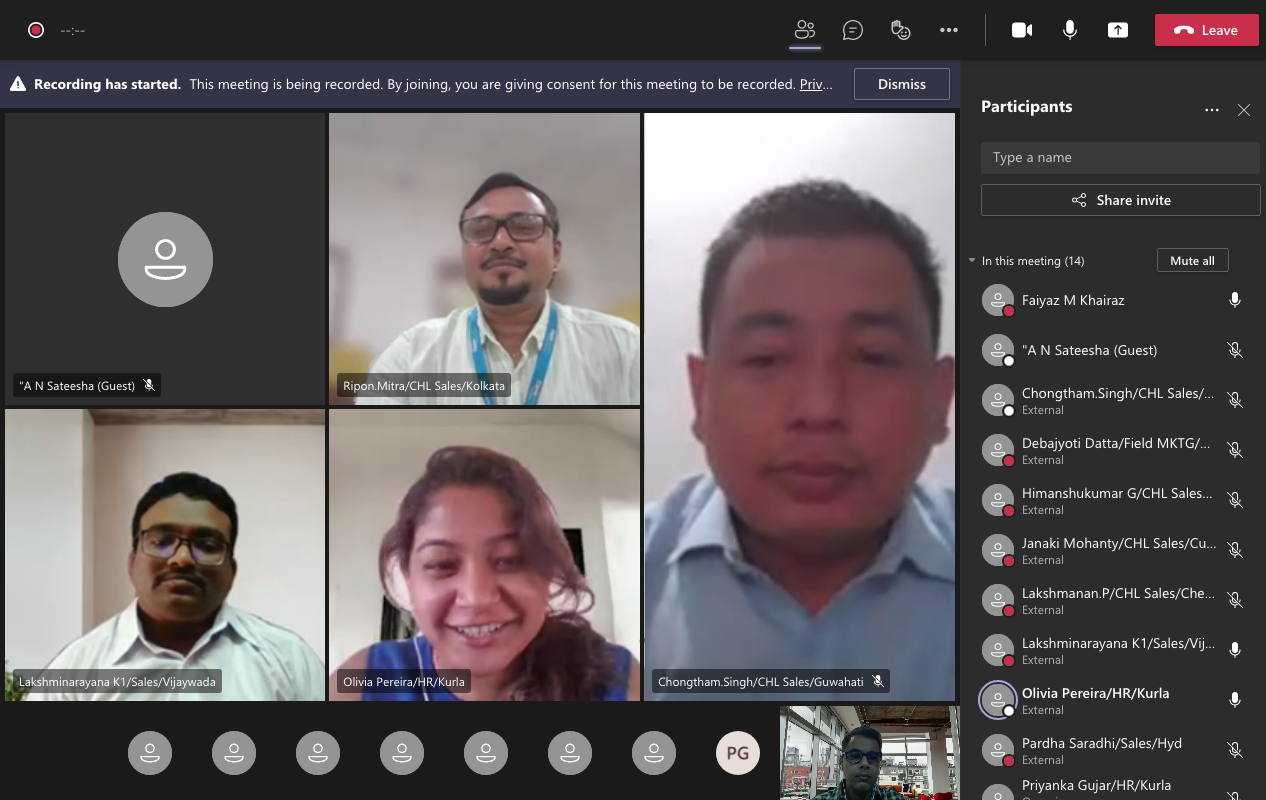
Training Images
training@mechamind.sg