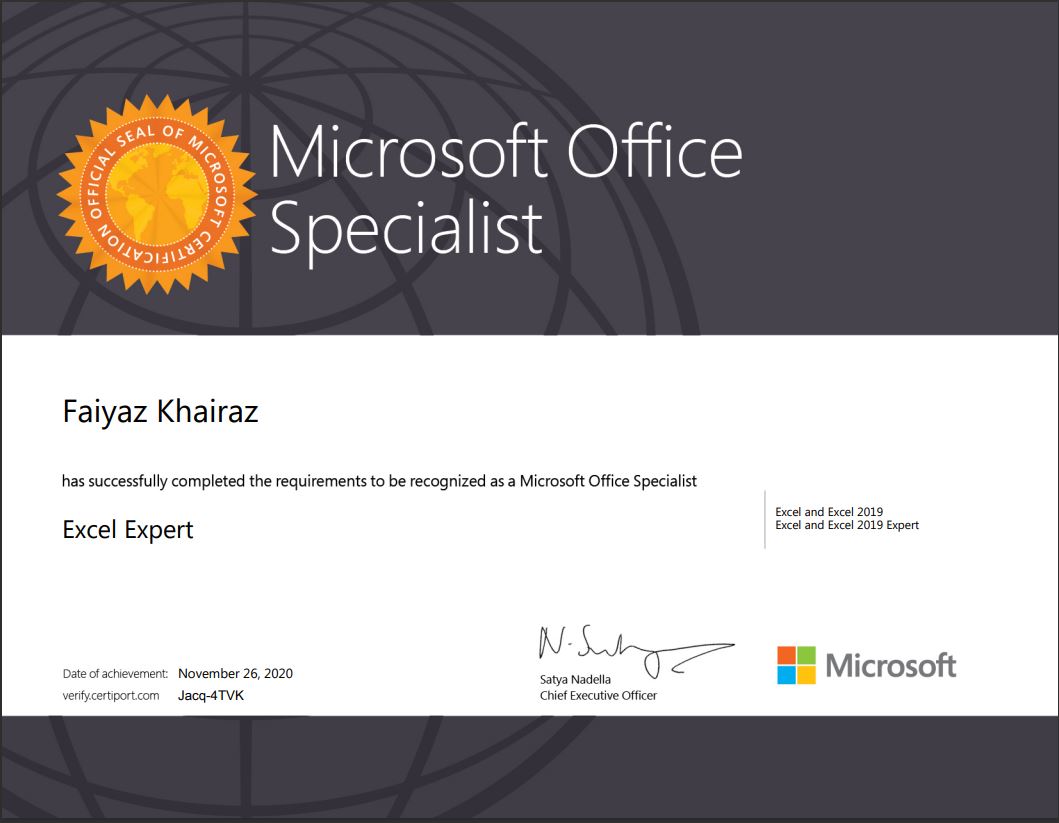
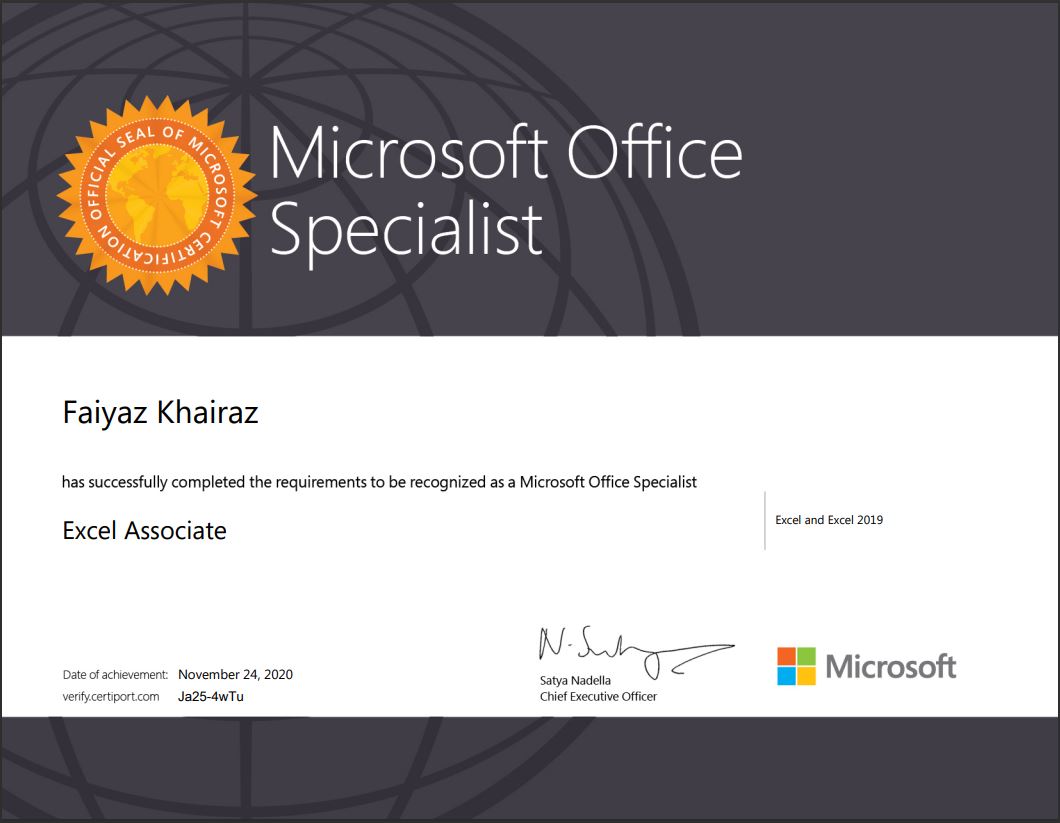
I am a student of Xavier Institute of Communications and I undertook a course on Microsoft Excel by Faiyaz Khairaz sir and it was super interactive and fun! The content is very relevant and the teaching style made it easy to comprehend. Would recommend to anyone looking to grab similar skills!
Power Bi Certification in training Singapore | Mechamind
Connect With Us
About Mechamind
We are a Registered Singapore Based Company, offering LIVE Virtual Training in Advanced Excel to Companies in Singapore.
Our Trainers are Microsoft Certified with 17+ Years of Training Experience in Excel & Microsoft Applications.
All our training programs are conducted using Live Case Studies & Examples from real time corporate scenarios.
We urge the participants to apply what they have learnt to their Data, to get maximum benefit from the training program.
Microsoft Excel is an Application widely used across the globe, by employees at different levels of the corporate sector to analyse, organize and represent their data, in a concise and visually appealing manner.
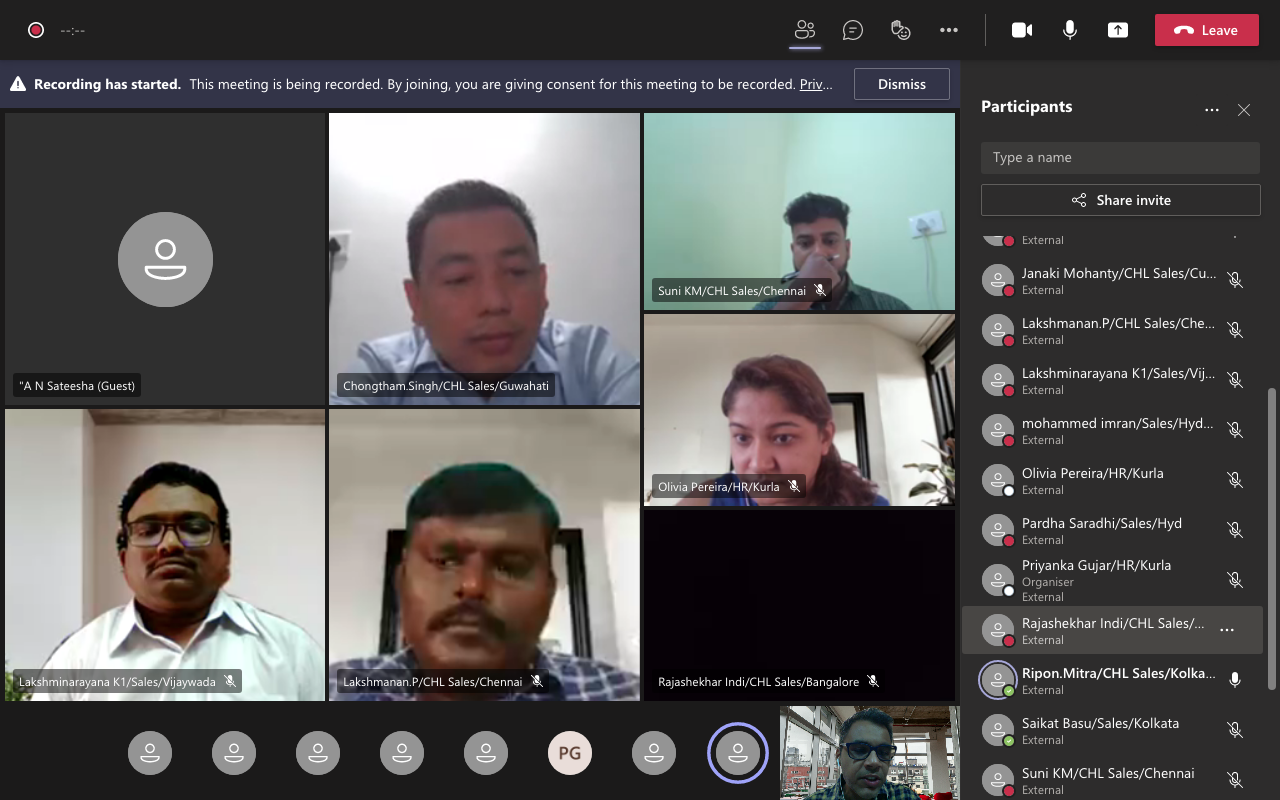
Would you Like to Train Your TEAM & Empower them?
Our FREE ONLINE Demo Class, which can be scheduled at a time convenient to you, to give you a closer look at what the excel training program has to offer. This 90 Minutes Session would give your Team Members a Hand's on and practical experience of our training methodology, interactivity & participant engagement.
Looking for LIVE 1:1 Training Sessions ?
Why Join Groups, when you can learn as per your pace and at a time convenient to you.
A tailor made Microsoft Excel Program keeping in mind the requirements of the corporate sector which will empower you to get an edge above the rest.
Learn on your own DATA & practically apply what you have learnt in a STEP By STEP Manner.
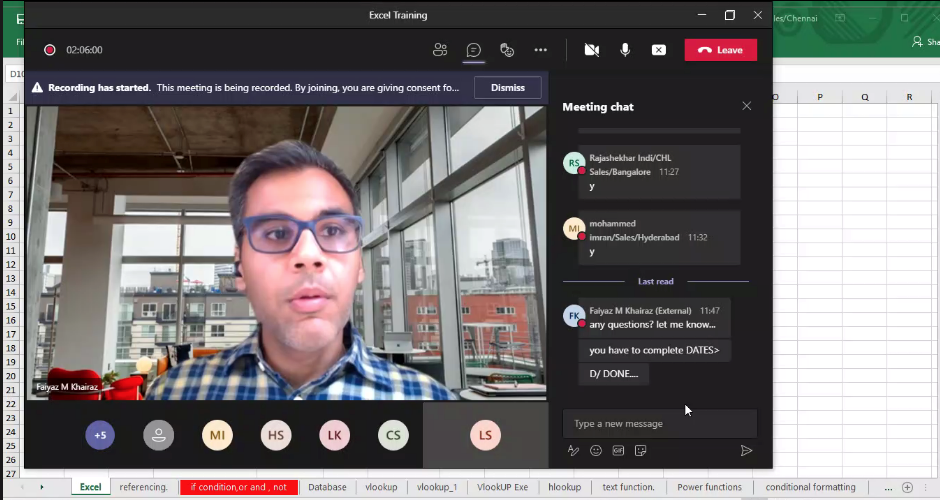
Looking for LIVE 1:1 Training Sessions ?
Why Join Groups, when you can learn as per your pace and at a time convenient to you.
A tailor made Microsoft Excel Program keeping in mind the requirements of the corporate sector which will empower you to get an edge above the rest.
Learn on your own DATA & practically apply what you have learnt in a STEP By STEP Manner.
Power Bi Certification in training Singapore Objective
Microsoft Excel, Level 2 (Office 356, Office 2016)
Participants should be using Excel, and the common formula’s like Min, Max, Sum, Average, functions such as Sort & Filter. Having additional knowledge of VLOOKUP & Pivot Table’s would be an advantage.
Audience
Executives and managers who have already been using Microsoft Excel, but now feel the need for learning more powerful features and options of Excel, to manage their worksheet-related tasks more efficiently
Prerequisites
Participants attending this training should be familiar with the basic operations in Microsoft Excel, such as simple calculations, formatting and printing.
Phase 1 - Power BI Certification Course Syllabus
Get data from different data sources
- Identify And Connect To A Data Source
- Change Data Source Settings
- Select A Shared Dataset Or Create A Local Dataset
- Select A Storage Mode
- Choose An Appropriate Query Type
- Identify Query Performance Issues
- Use Microsoft Dataverse
- Use Parameters
- Use Or Create A PBIDS File
- Use Or Create A Data Flow
- Connect To A Dataset Using The XMLA Endpoint
Profile the data
- Identify Data Anomalies
- Examine Data Structures
- Interrogate Column Properties
- Interrogate Data Statistics
Clean, transform, and load the data
- Resolve Inconsistencies, Unexpected Or Null Values, And Data Quality Issues
- Apply User-Friendly Value Replacements
- Identify And Create Appropriate Keys For Joins
- Evaluate And Transform Column Data Types
- Apply Data Shape Transformations To Table Structures
- Combine Queries
- Apply User-Friendly Naming Conventions To Columns And Queries
- Leverage Advanced Editor To Modify Power Query M Code
- Configure Data Loading
- Resolve Data Import Errors
Design a data model
- Define The Tables
- Configure Table And Column Properties
- Define Quick Measures
- Flatten Out A Parent-Child Hierarchy
- Define Role-Playing Dimensions
- Define A Relationship's Cardinality And Cross-Filter Direction
- Design The Data Model To Meet Performance Requirements
- Resolve Many-To-Many Relationships
- Create A Common Date Table
- Define The Appropriate Level Of Data Granularity
Develop a data model
- Apply Cross-Filter Direction And Security Filtering
- Create Calculated Tables
- Create Hierarchies
- Create Calculated Columns
- Implement Row-Level Security Roles
- Set Up The Q&A Feature
Create measures by using DAX
- Use DAX To Build Complex Measures
- Use CALCULATE To Manipulate Filters
- Implement Time Intelligence Using DAX
- Replace Numeric Columns With Measures
- Use Basic Statistical Functions To Enhance Data
- Create Semi-Additive Measures
Optimize model performance
- Remove Unnecessary Rows And Columns
- Identify Poorly Performing Measures, Relationships, And Visuals
- Improve Cardinality Levels By Changing Data Types
- Improve Cardinality Levels Through Summarization
- Create And Manage Aggregations
Phase 2 - Power BI Certification Course Syllabus
Create reports
- Add Visualization Items To Reports
- Choose An Appropriate Visualization Type
- Format And Configure Visualizations
- Import A Custom Visual
- Configure Conditional Formatting
- Apply Slicing And Filtering
- Add An R Or Python Visual
- Configure The Report Page
- Design And Configure For Accessibility
- Configure Automatic Page Refresh
- Create A Paginated Report
Create dashboards
- Set Mobile View
- Manage Tiles On A Dashboard
- Configure Data Alerts
- Use The Q&A Feature
- Add A Dashboard Theme
- Pin A Live Report Page To A Dashboard
Enrich reports for usability
- Configure Bookmarks
- Create Custom Tooltips
- Edit And Configure Interactions Between Visuals
- Configure Navigation For A Report
- Apply Sorting
- Configure Sync Slicers
- Use The Selection Pane
- Use Drillthrough And Cross Filter
- Drilldown Into Data Using Interactive Visuals
- Export Report Data
- Design Reports For Mobile Devices
Enhance reports to expose insights
- Apply Conditional Formatting
- Apply Slicers And Filters
- Perform Top N Analysis
- Explore Statistical Summary
- Use The Q&A Visual
- Add A Quick Insights Result To A Report
- Create Reference Lines By Using Analytics Pane
- Use The Play Axis Feature Of A Visualization
- Personalize Visuals
Perform advanced analysis
- Identify Outliers
- Conduct Time Series Analysis
- Use Groupings And Binnings
- Use The Key Influencers To Explore Dimensional Variances
- Use The Decomposition Tree Visual To Break Down A Measure
- Apply AI Insights
Manage datasets
- Configure A Dataset Scheduled Refresh
- Configure Row-Level Security Group Membership
- Provide Access To Datasets
- Configure Incremental Refresh Settings
- Promote Or Certify Power BI Datasets
- Identify Downstream Dataset Dependencies
- Configure Large Dataset Format
Create and manage workspaces
- Create And Configure A Workspace
- Recommend A Development Lifecycle Strategy
- Assign Workspace Roles
- Configure And Update A Workspace App
- Publish, Import, Or Update Assets In A Workspace
- Apply Sensitivity Labels To Workspace Content
- Use Deployment Pipelines
- Configure Subscriptions
- Promote Or Certify Power BI Content

Mr. Faiyaz Khairaz
( Microsoft Certified Trainer
Experience : 17+ years )
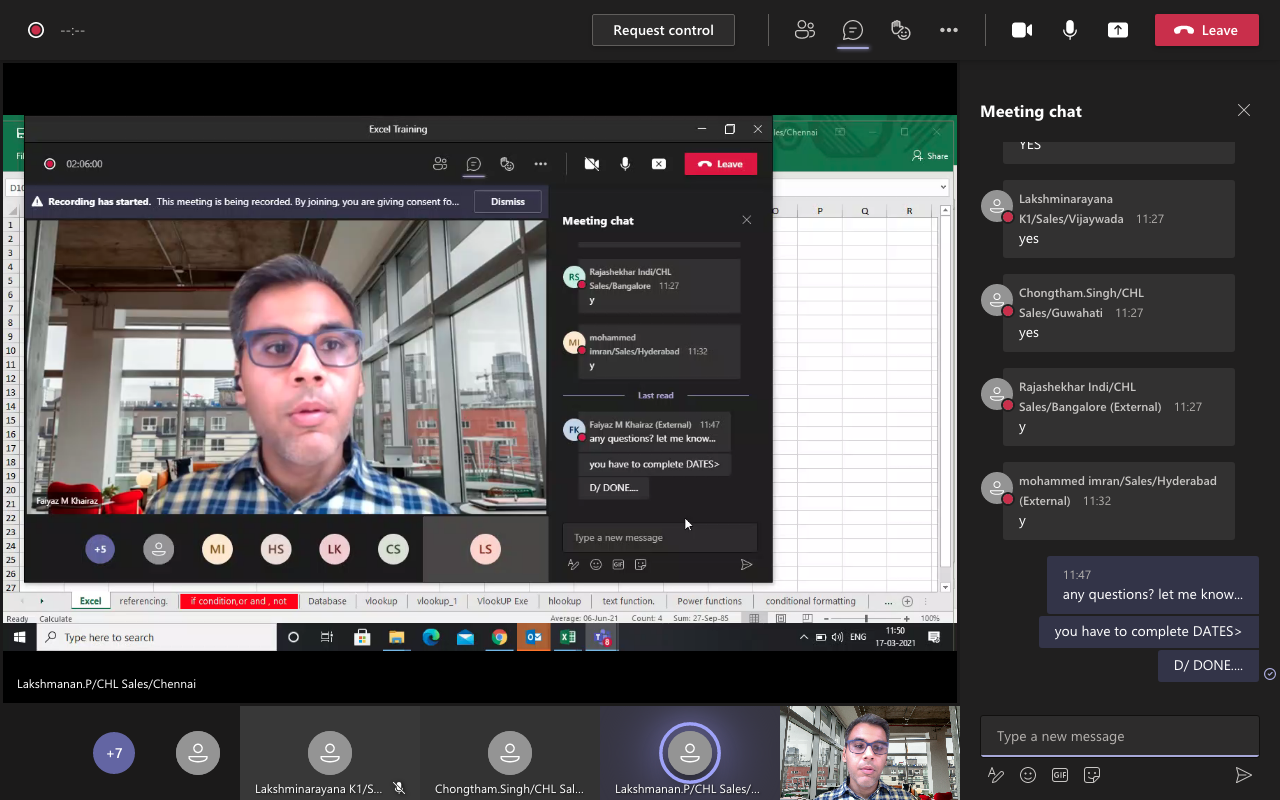
Hi, my name is Faiyaz M Khairaz. I'm a Microsoft Certified Trainer & (Power BI DA-100 Certified) with 17+ Years of Training Experience.
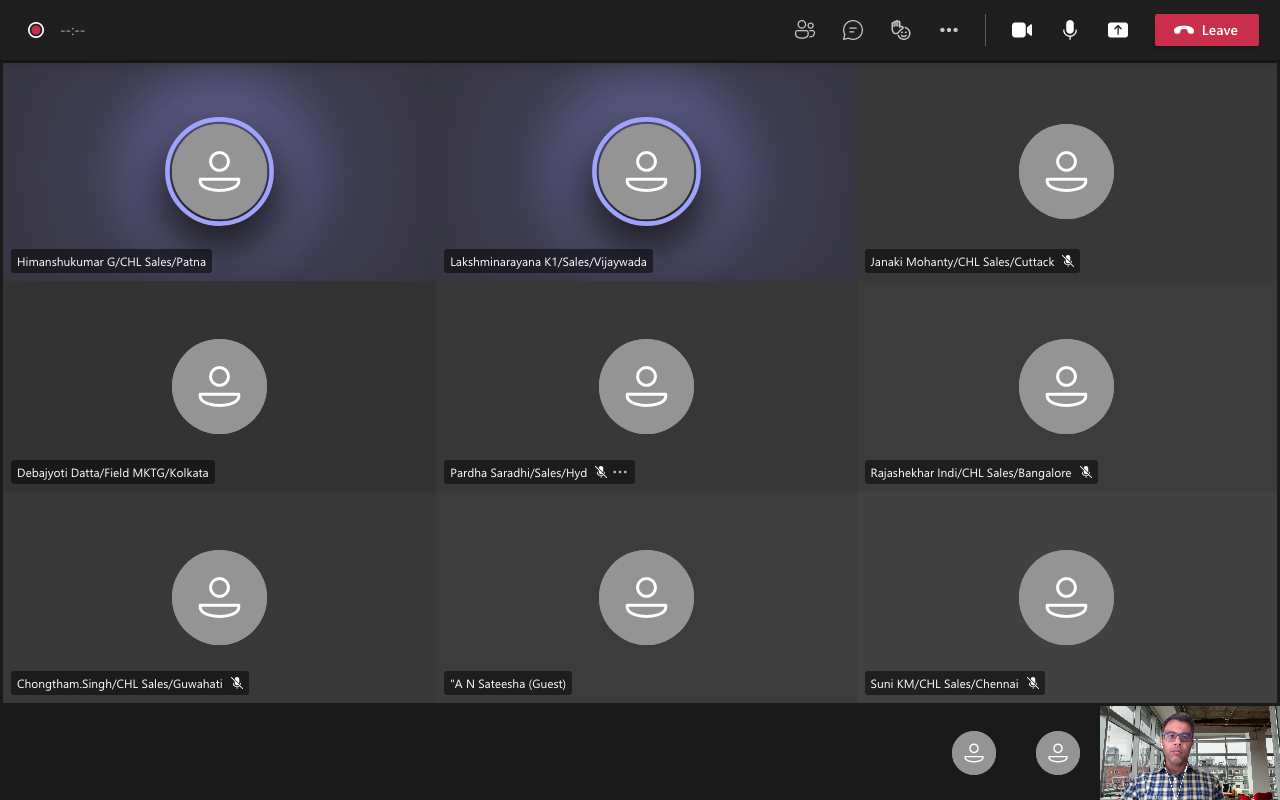
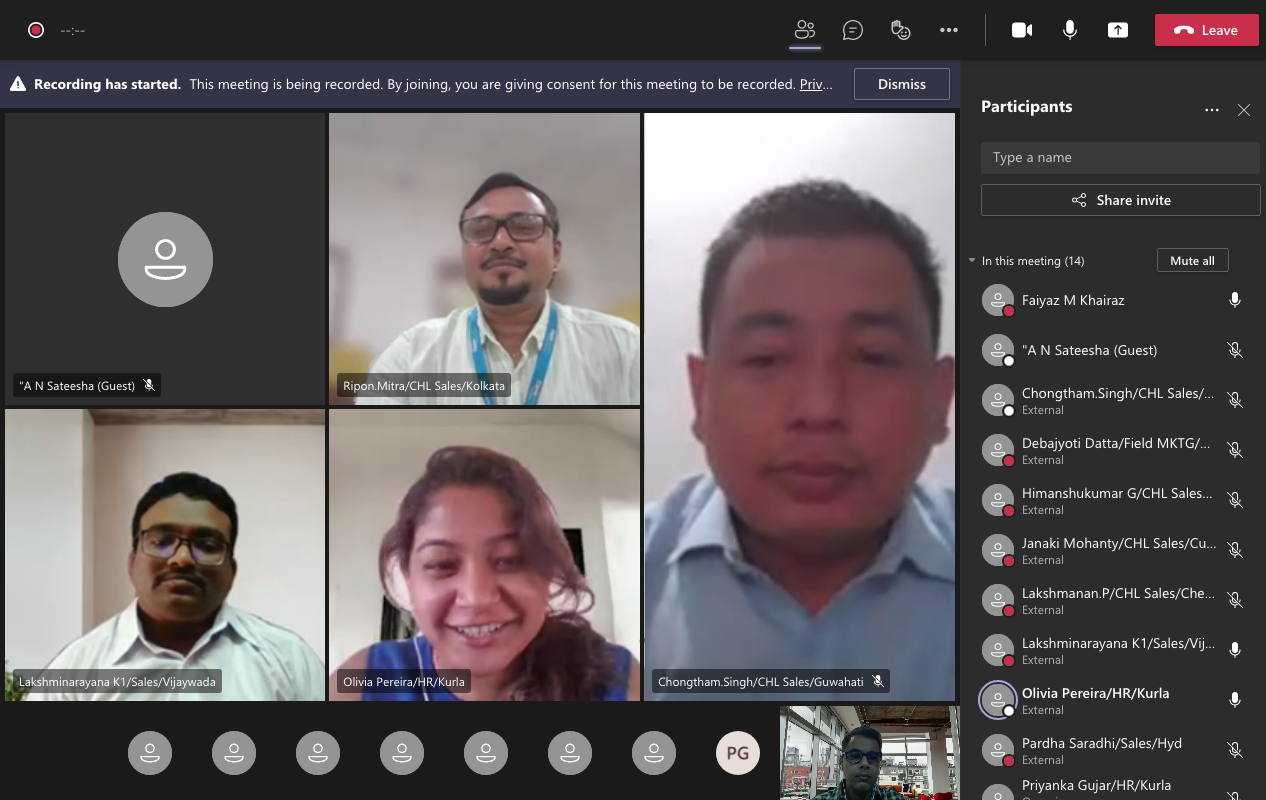
I have Conducted training for Corporates such as Deloitte, PwC, Kuoni. Trained over 83k participants till date
Talk To The Trainer
GET IN
TOUCH
TOUCH
- +65 8951 7001
- training@mechamind.sg
Enquire About Our Programs
Training Images

training@mechamind.sg