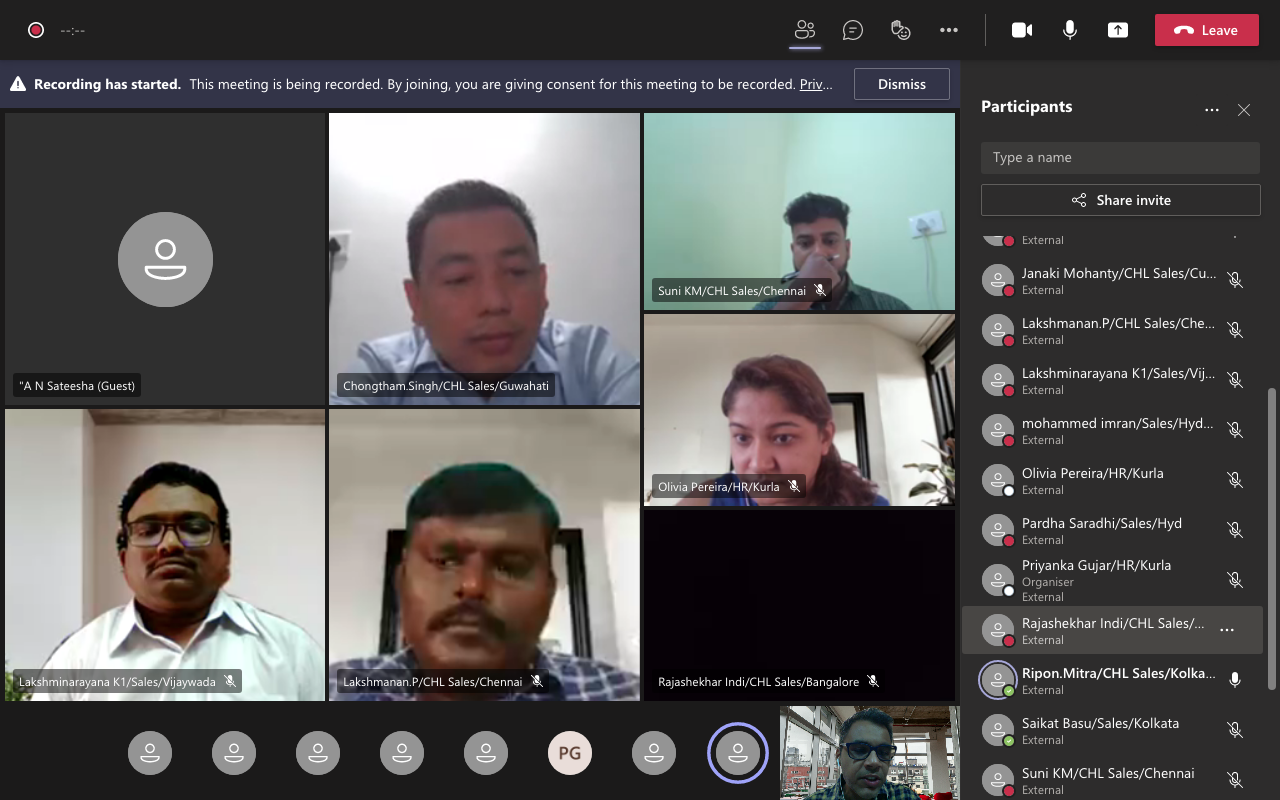
I am a student of Xavier Institute of Communications and I undertook a course on Microsoft Excel by Faiyaz Khairaz sir and it was super interactive and fun! The content is very relevant and the teaching style made it easy to comprehend. Would recommend to anyone looking to grab similar skills!
About Mechamind
We are a Registered Singapore Based Company, offering LIVE Virtual Training in Advanced Excel to Companies in Singapore.
Our Trainers are Microsoft Certified with 17+ Years of Training Experience in Excel & Microsoft Applications.
All our training programs are conducted using Live Case Studies & Examples from real time corporate scenarios.
We urge the participants to apply what they have learnt to their Data, to get maximum benefit from the training program.
Power BI is an Application widely used across the globe, by employees at different levels of the corporate sector to analyse, organize and represent their data, in a concise and visually appealing manner.
Would you Like to Train Your TEAM & Empower them?
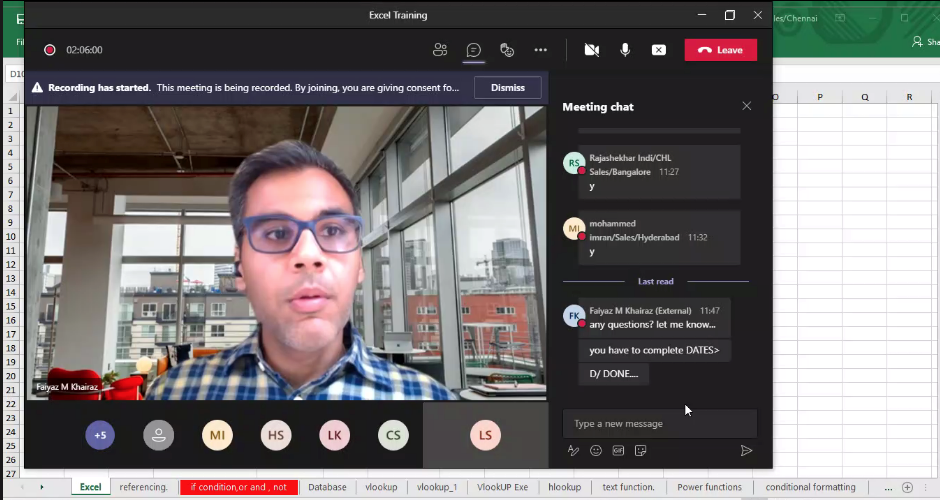
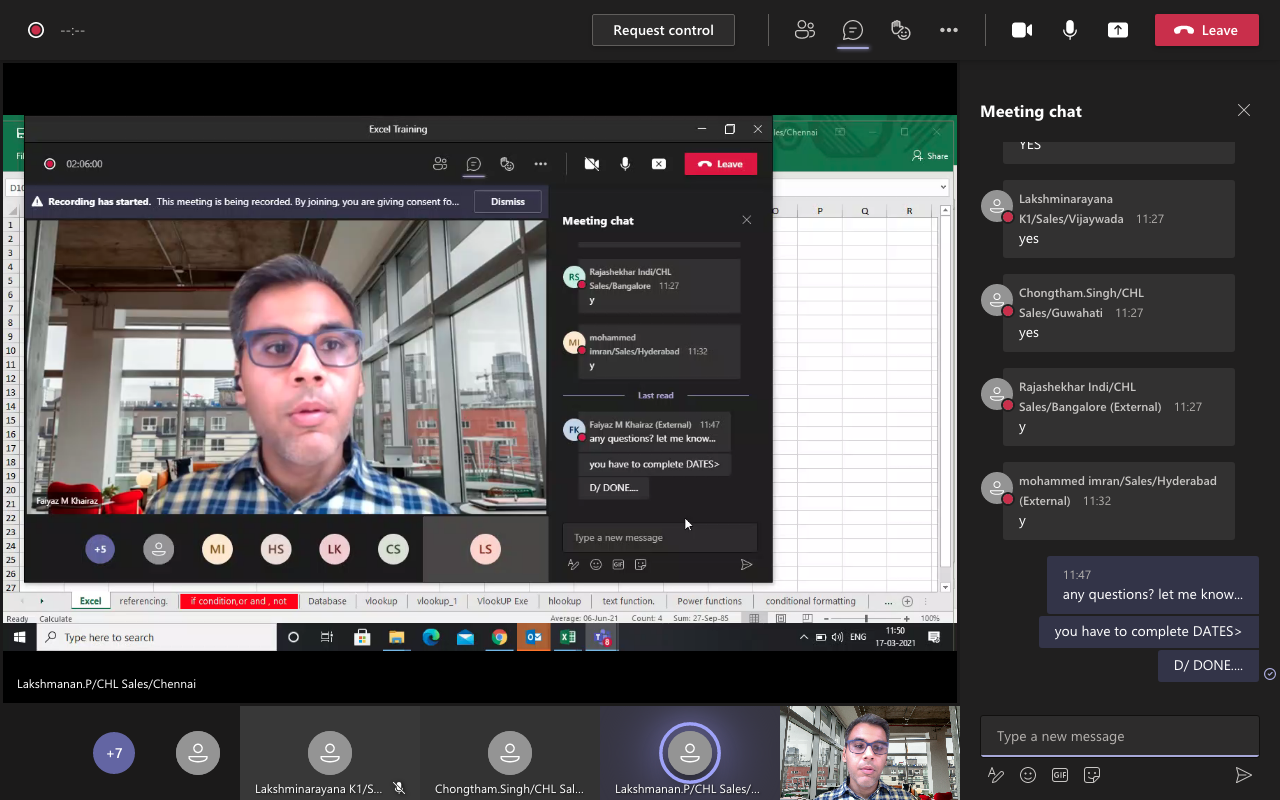
Our FREE ONLINE Demo Class, which can be scheduled at a time convenient to you, to give you a closer look at what the excel training program has to offer. This 90 Minutes Session would give your Team Members a Hand's on and practical experience of our training methodology, interactivity & participant engagement.
Looking for LIVE 1:1 Training Sessions ?
Why Join Groups, when you can learn as per your pace and at a time convenient to you.
A tailor made Microsoft Excel Program keeping in mind the requirements of the corporate sector which will empower you to get an edge above the rest.
Learn on your own DATA & practically apply what you have learnt in a STEP By STEP Manner.
Looking for LIVE 1:1 Training Sessions ?
Why Join Groups, when you can learn as per your pace and at a time convenient to you.
A tailor made Microsoft Excel Program keeping in mind the requirements of the corporate sector which will empower you to get an edge above the rest.
Learn on your own DATA & practically apply what you have learnt in a STEP By STEP Manner.
Microsoft Power BI Training in Singapore Objective
Power BI—which combines Power BI Services, Desktop, and Mobile into a formidable business intelligence and analytics package. In this Power Bi Training Course, we teach you how to get the most out of this toolset.
The Power Bi Certification Training Program includes Data Modelling, Power Query, Dax, Visualization and Power Bi Service.
Learn how to connect to external data sources and upload CSV and Excel files, and then use Power BI Pro to create insightful reports, visualizations, and dashboards, complete with charts and maps. Get further insights from your data with Power BI Q&A and Microsoft Cortana, and then share the results with colleagues.
Why should a Corporate Company Invest in Microsoft Power Bi?

Are your employees Using Excel to Analyse Data?
Have they Tried to Analyse a Million Records in Excel?
#Reason 1: What is POWER BI?
Power Bi & Power Pivot is Built to work with data scale which is Huge, in Millions, if you simply Google “How many Records can we Analysed in Power Bi ” You will get the answer.
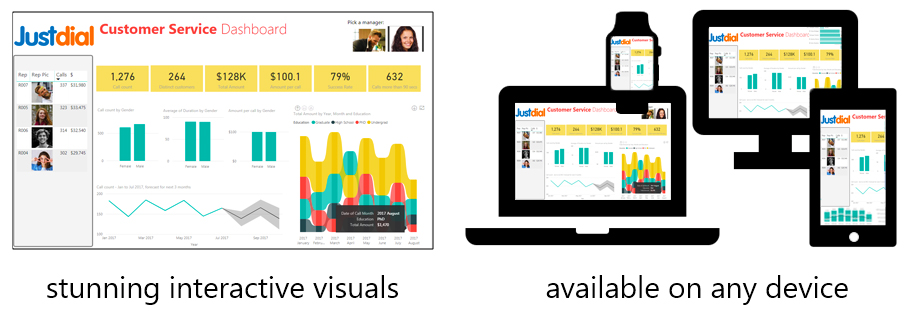
#Reason 2: Learn Power Bi Dashboards
What Dashboard’s will YOU be creating, In the Power Bi Training Program?
In the Power BI Training Program, you will learn to create Dynamic, Interactive Dashboards.
These dashboards would have Data from multiple data sources. Dashboards created in Power Bi can also be shared using the Power BI Service Features.
#Reason 3: Learn Power Query
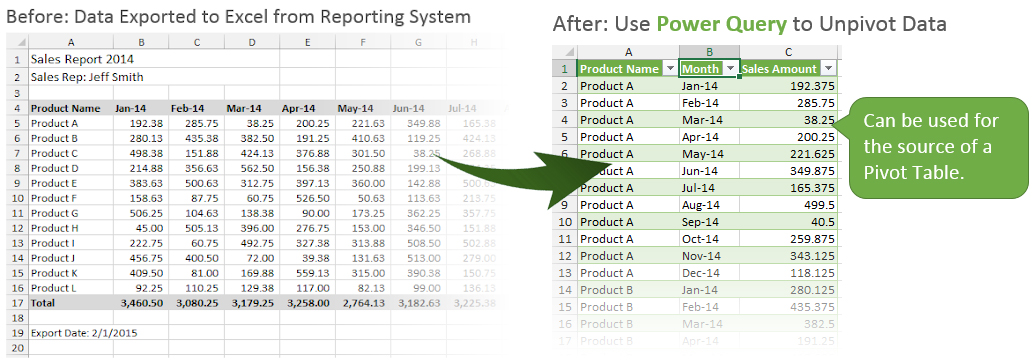
Can you Create a Pivot Table of This DATA? on the basis of Month, under Rows?
Using Power Query, you will be able to convert this data, into the desired results within seconds.
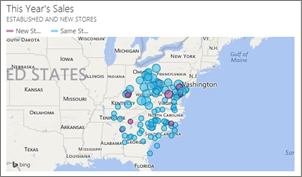
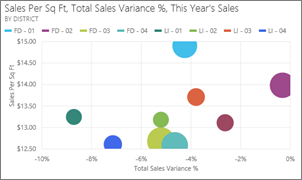
#Reason 4: Power Bi Training for Visualization:
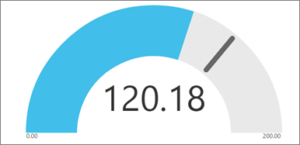
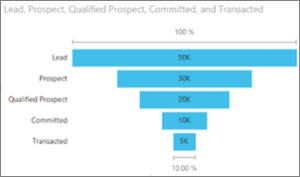
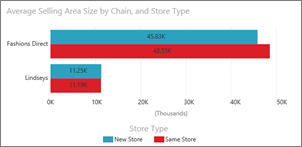
Phase 1 - Microsoft Power BI Training Syllabus
Download Course SyllabusIntroduction to Self-serve analytics and business intelligence tools
- SSBI Tools
- What is Power BI, & Benefits?
- Power BI – Structure, Components, Requirement’s
- Building Blocks of Power BI – Getting Started
- Power BI – Primary Tools : Power Pivot, Power Query, Power View, Power Map
- Integrated into Once Model, Power BI
- Loading large data into Power Query
- Consolidation of data from multiple files/multiple folders
- Consolidation of data from multiple sheets
Modelling Data
- Merging tables and queries
- Doing simple to complex automated lookups
- Multiple joint in PQ
- Data transformation and cleaning data
- Pivoting & unpivoting data
- Column transformation & Cleaning
- Row transformation & conditional logic cleaning
- Camping & summarizing data
Power Pivot
- Introduction to PowerPivot
- Overview of the environment
- Getting data into PowerPivot
- From Databases
- From Excel Files
- From Power Query
- Copy Pasting Data
- Calculated Columns
- Creating Calculated Columns
- Using RELATED function – the lookup of PowerPivot
Analysis
- Analyse (using power pivot)
- This sector will focus on doing powerful analysis
- Data Sources and Connections. Connecting to multiple sources of Data
- How to use Query Editor in Power BI, Editing Data in Power Bi, Changing
- Datatypes, Create Calculated Columns
- Advanced Data Changes and Transformation to Data
- Views in Power BI Desktop
- Modeling Data – Manage Data Relationship, 1-1/ 1- Many Relationship of Data
Relationships
- Working with multiple tables
- Diagram and Data views
- Defining relationships
- Editing and Handling Multiple Relationships
Phase 2 - Microsoft Power BI Training Syllabus
Power Query
- Understanding Power Query environment
- Loading large data into Power Query
- Consolidation of data from multiple files/multiple folders
- Consolidation of data from multiple sheets
- Appending data
- Merging tables and queries
- Doing simple to complex automated lookups
- Multiple joint in PQ
Measures & Calculated Columns
- Measures in PowerPivot
- Implicit and Explicit Measures
- Understanding Filter Context
- Measure Referencing
- Editing / Deleting Measures
Data Visualization 1
- Different Types of Data Visualization
- Practices for Data Visualization, Using Different Components, Visuals
- Creating Reports in Power BI
- Charts in Power BI (Scatter, Waterfall, Funnel)
- Slicers in Power BI
- Map Visualizations, for Creating Dynamic Maps Connected to Location Mentioned in Data
- Gauges and Single Number Cards
- Understanding Power View Features
- Using Filters for interactivity
- Understanding different visualization
- Tables
- Matrix
- Cards & More
- Understanding different visualization
- Line
- Bar / Column
- Pie
Data Visualization 2
- Using Maps
- Understanding Drill Down’s
- Using Titles
- Understanding Multipliers
- Tables
- Matrix
- Cards & More

Mr. Faiyaz Khairaz
( Microsoft Certified Trainer
Experience : 17+ years )
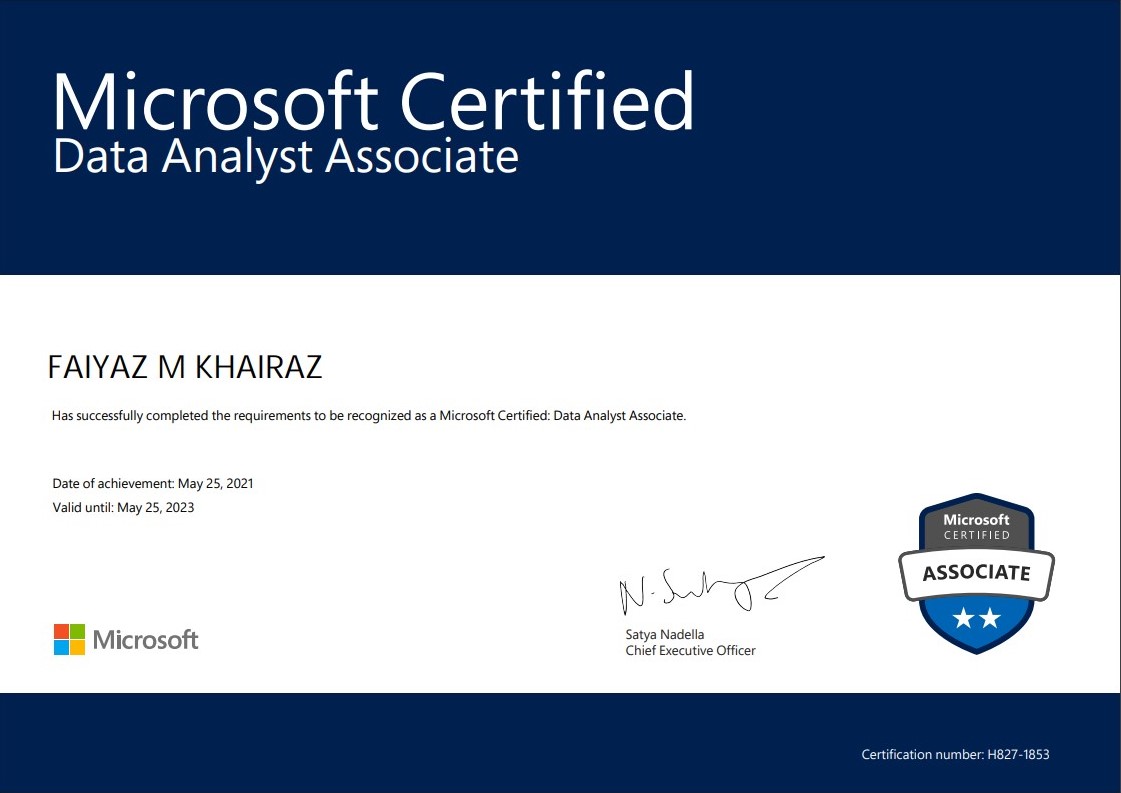
Hi, my name is Faiyaz M Khairaz. I'm a Microsoft Certified Trainer & (Power BI DA-100 Certified) with 17+ Years of Training Experience.
I have Conducted training for Corporates such as Deloitte, PwC, Kuoni. Trained over 83k participants till date
Talk To The Trainer
GET IN
TOUCH
TOUCH
- +65 8951 7001
- training@mechamind.sg
Enquire About Our Programs
Training Images

training@mechamind.sg